

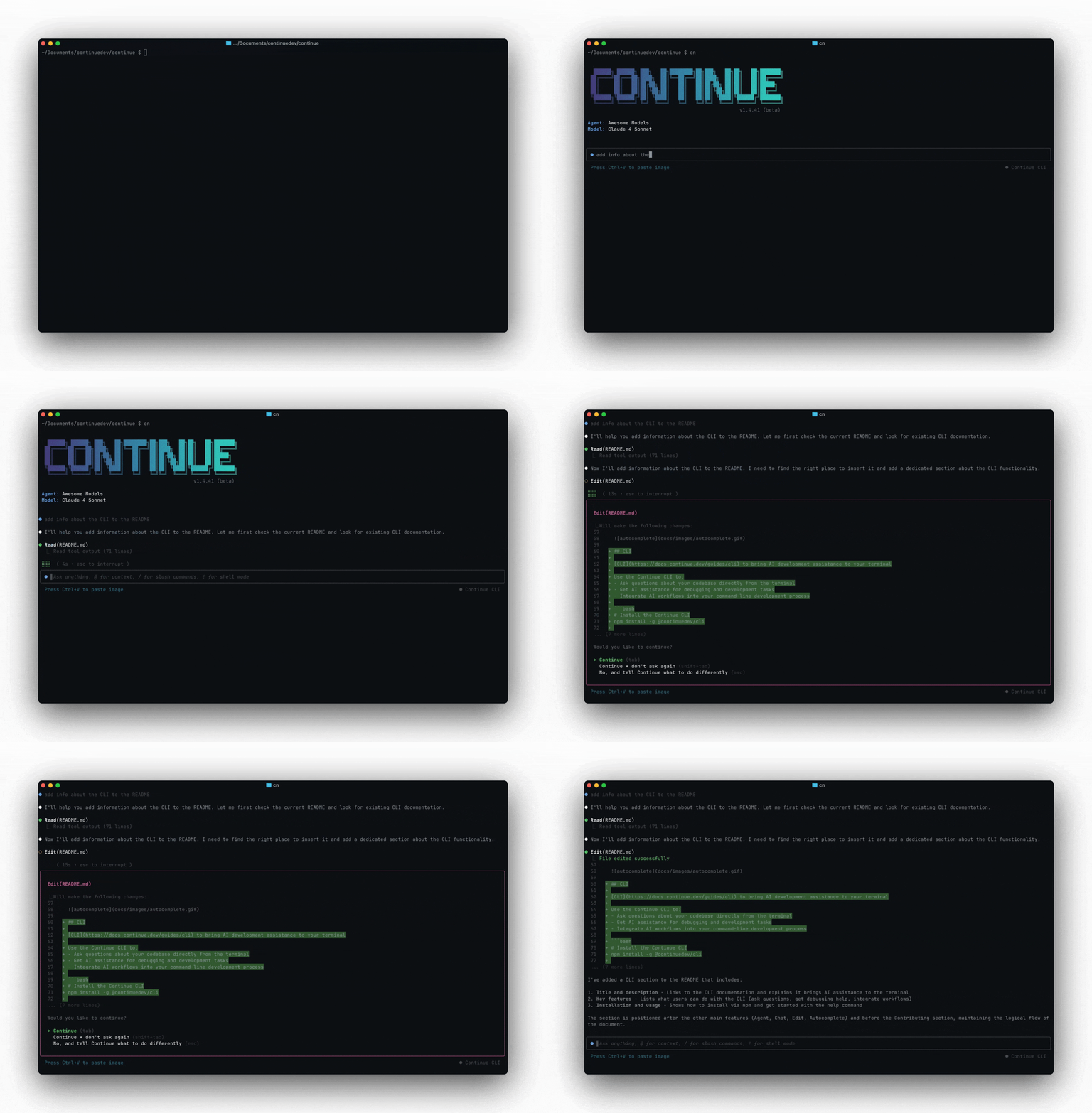
cn) is a terminal-based coding agent. It can edit files, run commands, and work through multi-step tasks — the same agent that powers the Continue IDE extensions, running in your terminal.
Install
- macOS / Linux
- Windows
- npm (cross-platform)
Requirements
- Node.js 20+ — needed for the npm install path. The shell installer bundles its own runtime.
- A Continue account, or an Anthropic API key.
First run
Authentication
Log in with Continue
cn can use your configured assistants, models, and MCP servers from the platform.
API key (headless / CI)
For automation environments where there’s no browser, set theCONTINUE_API_KEY environment variable:
Local API key
If you don’t want to use Continue, you can use an Anthropic API key directly. On first launch,cn will prompt you to choose between logging in with Continue or entering an Anthropic API key.
Two modes
TUI mode — runcn to start an interactive session. You type messages, reference files with @, approve tool calls, and iterate with the agent. This is the default.
Headless mode — run cn -p "your prompt" for single-shot automation. The agent runs to completion and prints its response to stdout. Use this in scripts, CI/CD, and git hooks.
Common flags
| Flag | Effect |
|---|---|
-p "prompt" | Headless mode — run prompt and exit |
--config <path or slug> | Use a specific config file or assistant |
--resume | Resume the most recent session |
--auto | Allow all tools without prompting |
--readonly | Plan mode — read-only tools only |
--allow <tool> | Allow a specific tool (repeatable) |
--exclude <tool> | Exclude a specific tool (repeatable) |
--rule <rule> | Add a rule — file path, hub slug, or string (repeatable) |
--mcp <slug> | Add an MCP server from the hub (repeatable) |
--model <slug> | Add a model from the hub (repeatable) |
--agent <slug> | Load an agent file from the hub |
--verbose | Enable verbose logging |
cn --help for the full list.