

Use metrics to find noisy checks
The Metrics page shows acceptance and rejection rates per check across your repositories. A high rejection rate tells you a check is producing unhelpful suggestions and needs refinement.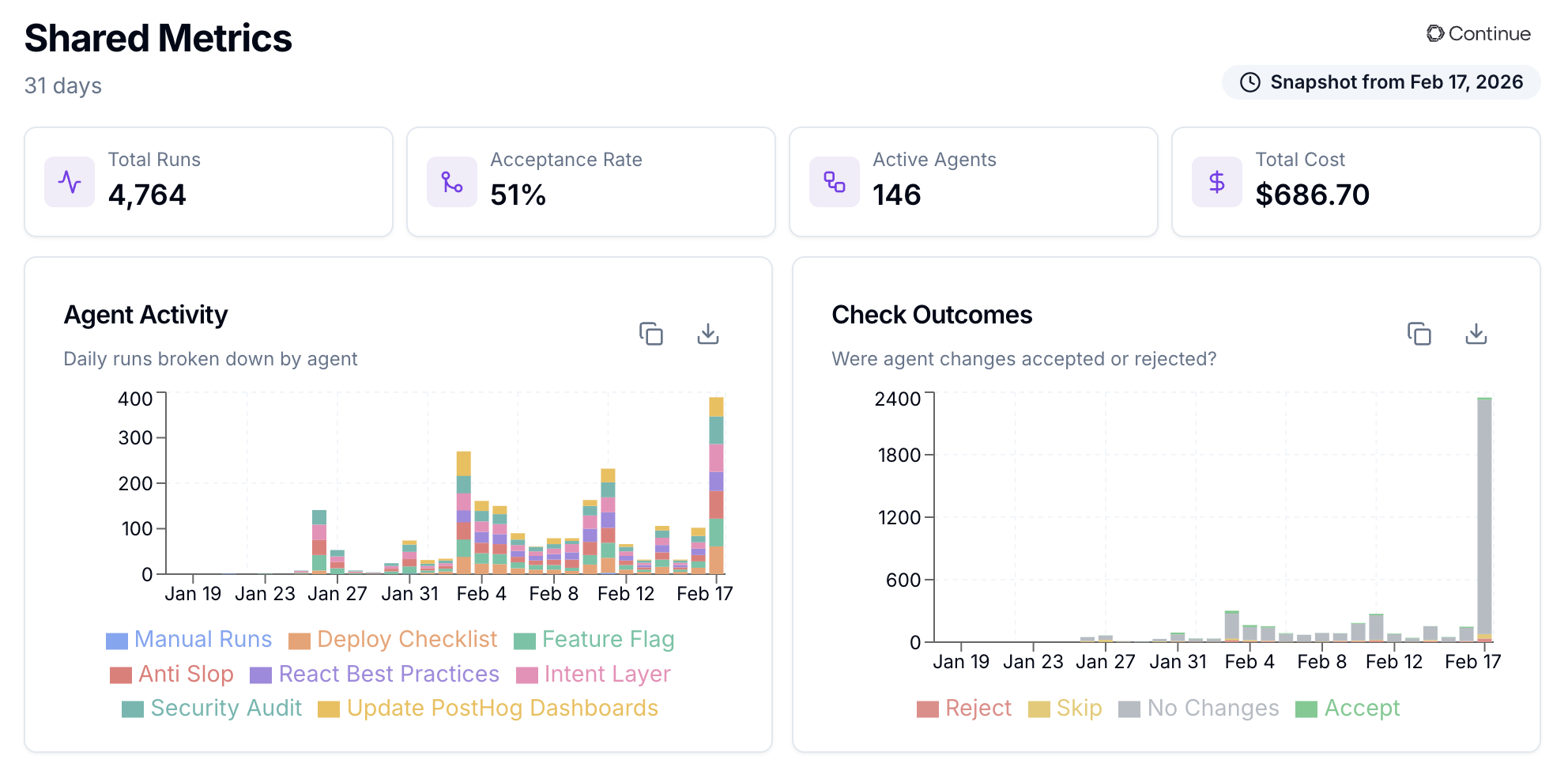
Provide feedback when rejecting
When you reject a check result on the PR review page, a dialog appears where you can explain why the suggestion was wrong. This feedback is saved and included in the check’s system prompt on future runs, so the check learns from your corrections. To leave feedback:- Click Reject on a check result.
- Write feedback explaining why the suggestion was unhelpful.
- Click Refine to have AI polish your raw feedback into concise instructions.
- Submit the rejection.
| Good feedback | Bad feedback |
|---|---|
”Don’t flag console.log in test files" | "Be better" |
| "Ignore TODO comments in draft PRs" | "Too many false positives" |
| "Only flag missing error handling in public API endpoints, not internal helpers" | "Wrong” |
Adjust sensitivity
The rejection dialog also lets you set a sensitivity level for the check:- Conservative: only flag critical issues (high confidence required)
- Balanced: default behavior
- Thorough: flag all potential improvements, even when not fully certain