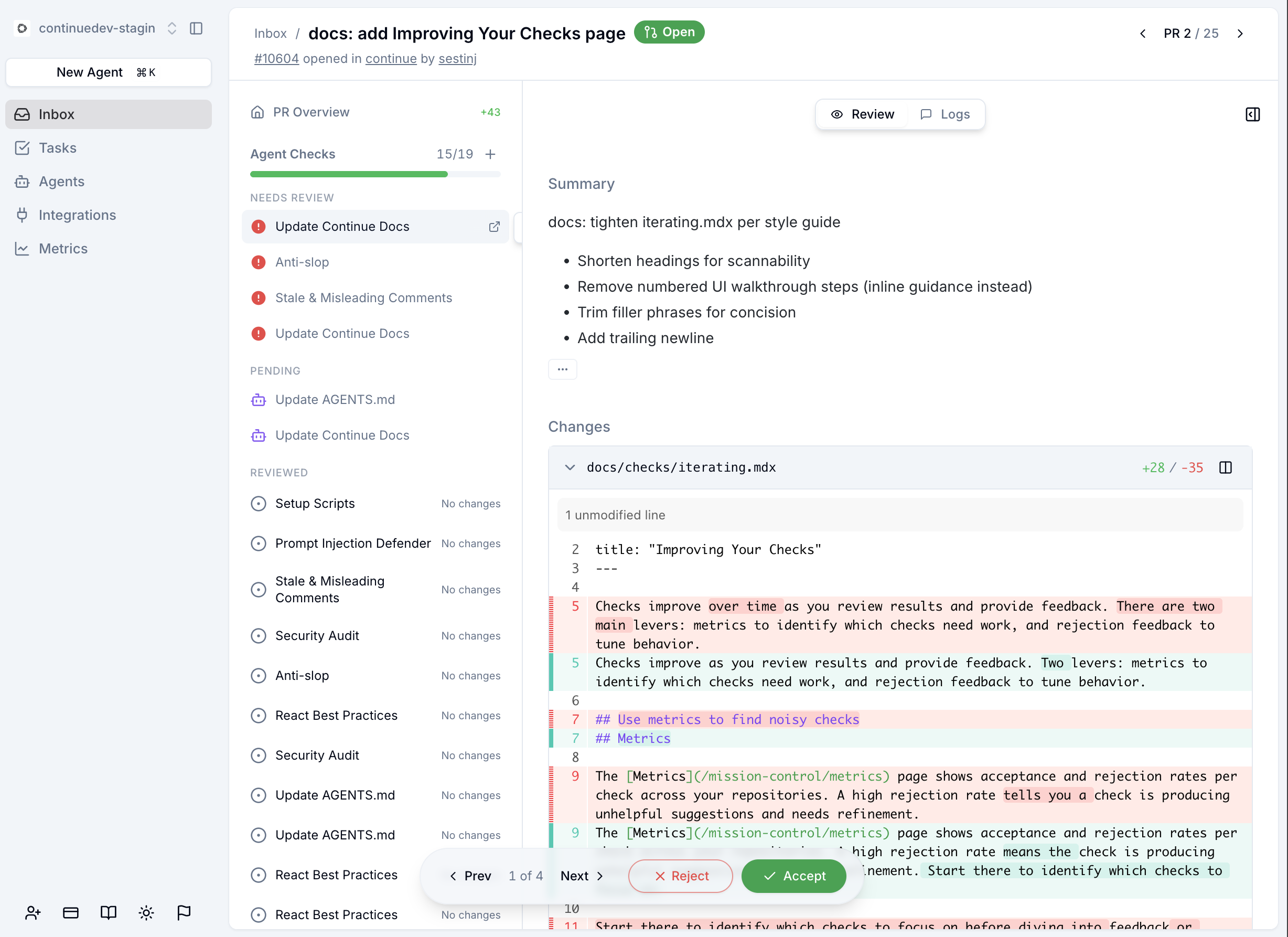
.continue/checks/, and reports results as GitHub status checks. A green check means the code passed; a red check means the code failed, with a suggested fix.
Prerequisites
- A Continue account
- A GitHub repository with at least one check file in
.continue/checks/(see Write Your First Check)
Connect GitHub
- Go to continue.dev and sign in (or create an account).
- Navigate to the GitHub integration page.
- Click Connect GitHub and authorize Continue.
- Select the repositories you want Continue to monitor.
How checks are discovered
Continue reads the.continue/checks/ directory from your repository’s default branch. Every .md file in that directory becomes a check that runs on every PR. No additional configuration is needed. Commit a check file and it is active.
The PR workflow
When a pull request is opened, reopened, or updated:- Each check file runs independently against the PR diff.
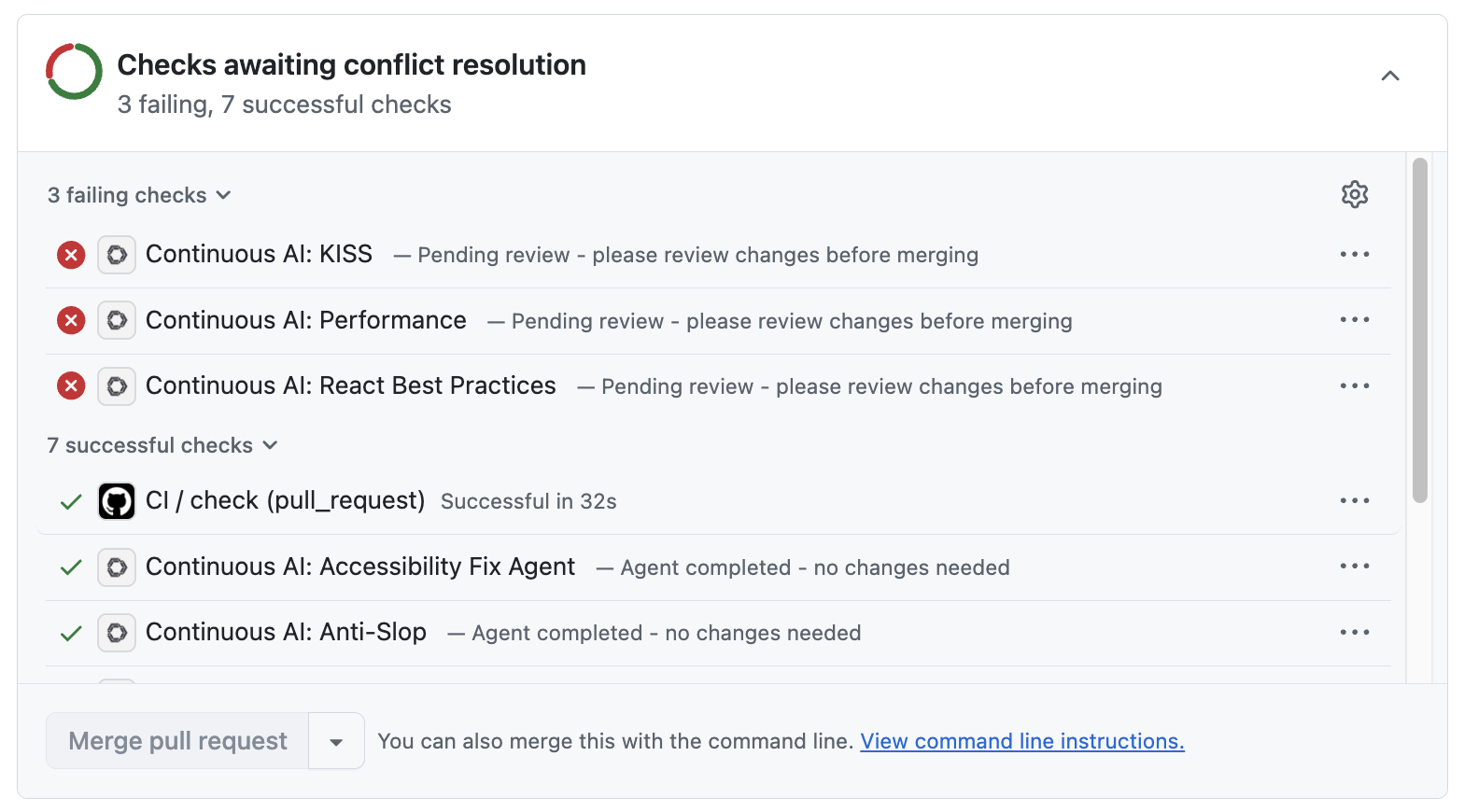
- Results appear as GitHub status checks on the PR.
- If a check passes, it shows a green checkmark.
- If a check fails, it shows a red X with a suggested diff.
- Click the check details link in GitHub to see the full reasoning on continue.dev.
Accept or reject suggestions
When a check fails and suggests changes:- Click the check’s Details link on the PR in GitHub. This opens the result on continue.dev.
- Review the suggested diff.
- Accept to apply the changes as a commit to the PR branch.
- Reject to dismiss the suggestion. The check will re-run on the next push.